
NotchDock · macOS 14+
A focus timer at the top of your Mac.
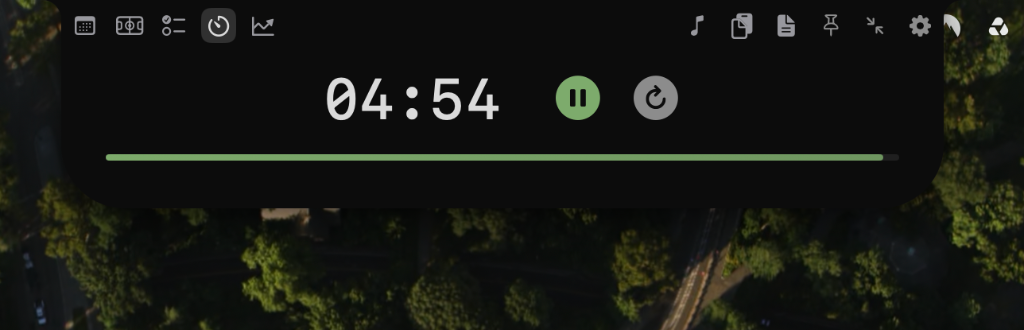
Start a timer and keep its progress in sight while you work.
Download free beta for MacmacOS Sonoma 14 or newer · No account required · Free during beta
Start with one timer
- Install and open NotchDock.
- Open the timer widget and choose a duration.
- Start the timer, return to your work and check its progress near the notch.
Try one session before changing your routine. Review the timer controls and break options in your installed version.